• There are no autosuggest results for “[[search_term]]”
  • There are no autosuggest results for “[[search_term]]”

Easyfit

Menicon Easyfit

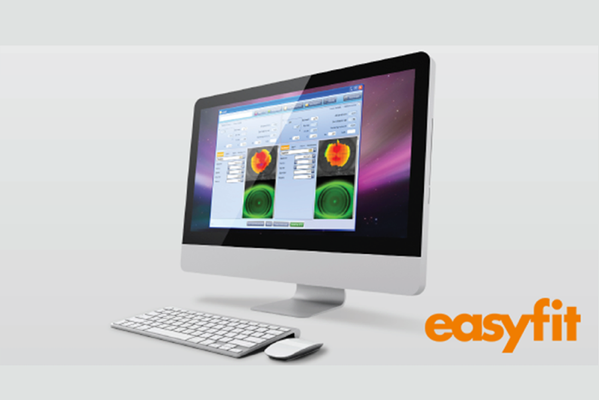
Easyfit améliore l'adaptation des lentilles


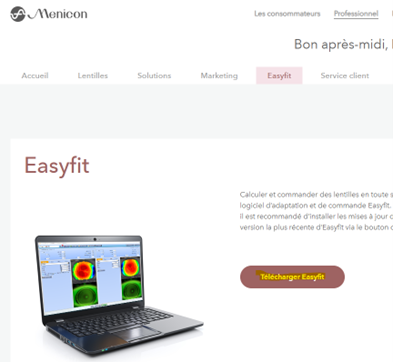
Calculez et commandez facilement vos lentilles. Tout cela est possible grâce à notre logiciel d'adaptation et de commande Easyfit. Pour une expérience utilisateur optimale, nous recommandons les mises à jour disponibles. Vous pouvez télécharger la dernière version d'Easyfit en cliquant sur le bouton ci-dessous.
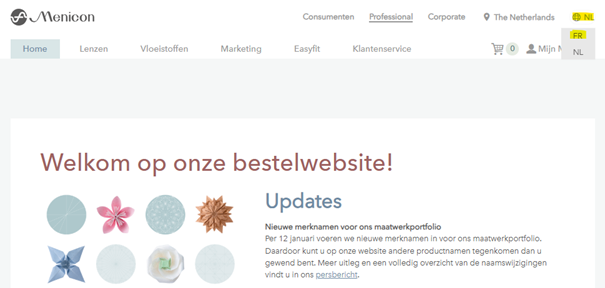
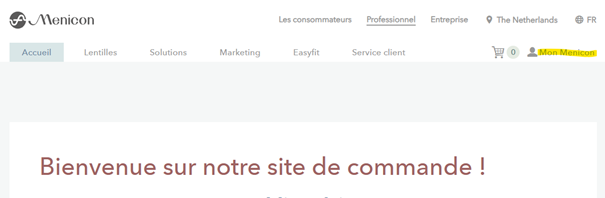
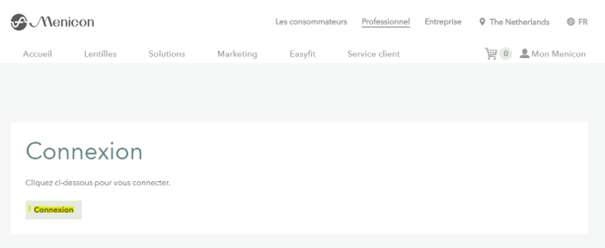
How to download Easyfit and set the language to French  

Easyfit can be downloaded via the button above of the Menicon BE ordering website: commander.bestellen.nl 

Select language

Afbeelding2
Afbeelding3-2
Afbeelding4
Afbeelding5

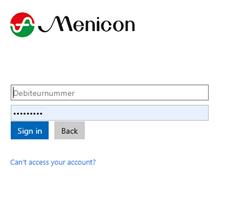
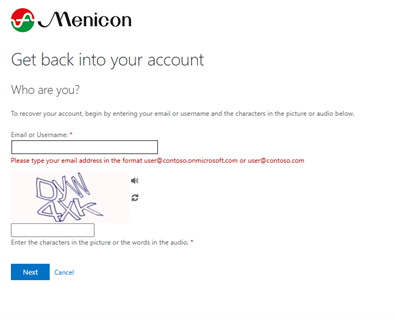
In case you do not have a password yet, please request a new password via ‘Can’t access your account’. Use your Customer ID as the email or username.

You will receive a new password in your mailbox. If you do not receive the email, please check your spam folder.
If you still cannot find it, please contact Customer Service in the Netherlands via info@menicon.be to verify your email address.

Afbeelding6
Afbeelding7


Easyfit will start downloading.

At the login screen of Easyfit, enter your customer number again and use the same password as for the website.

Afbeelding8


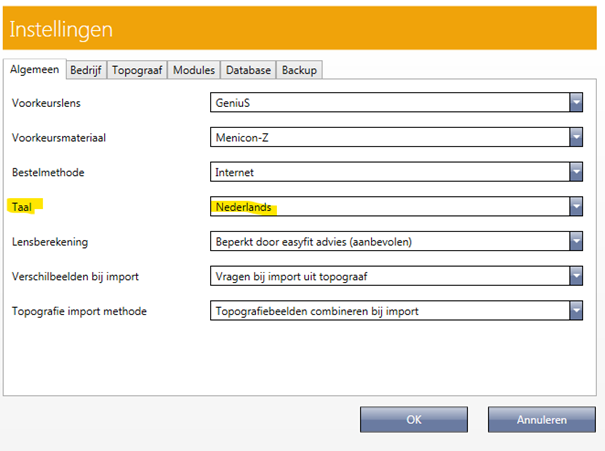
You can change your language (taal) to French in 'Instellingen'.


Afbeelding9


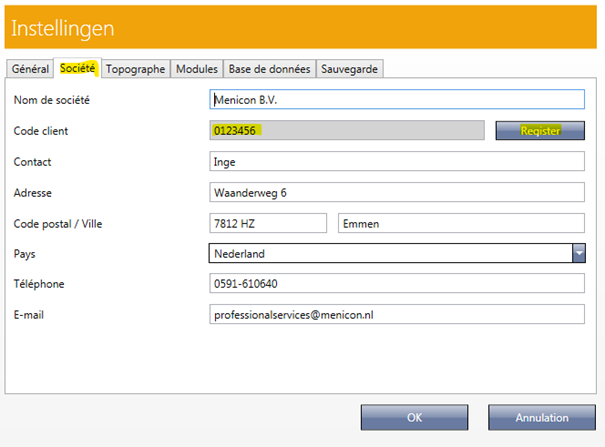
Also register your Customer ID number

Afbeelding10